Menus and product catalogs, with optional 3D previews.
Restaurants publish a QR menu in any language. Shops publish a catalog customers can search, filter and ask about. Any dish or product can turn in 3D and appear on the table or in the room through the phone camera.
Scan with your phone to open the demo menu, the way a guest would.
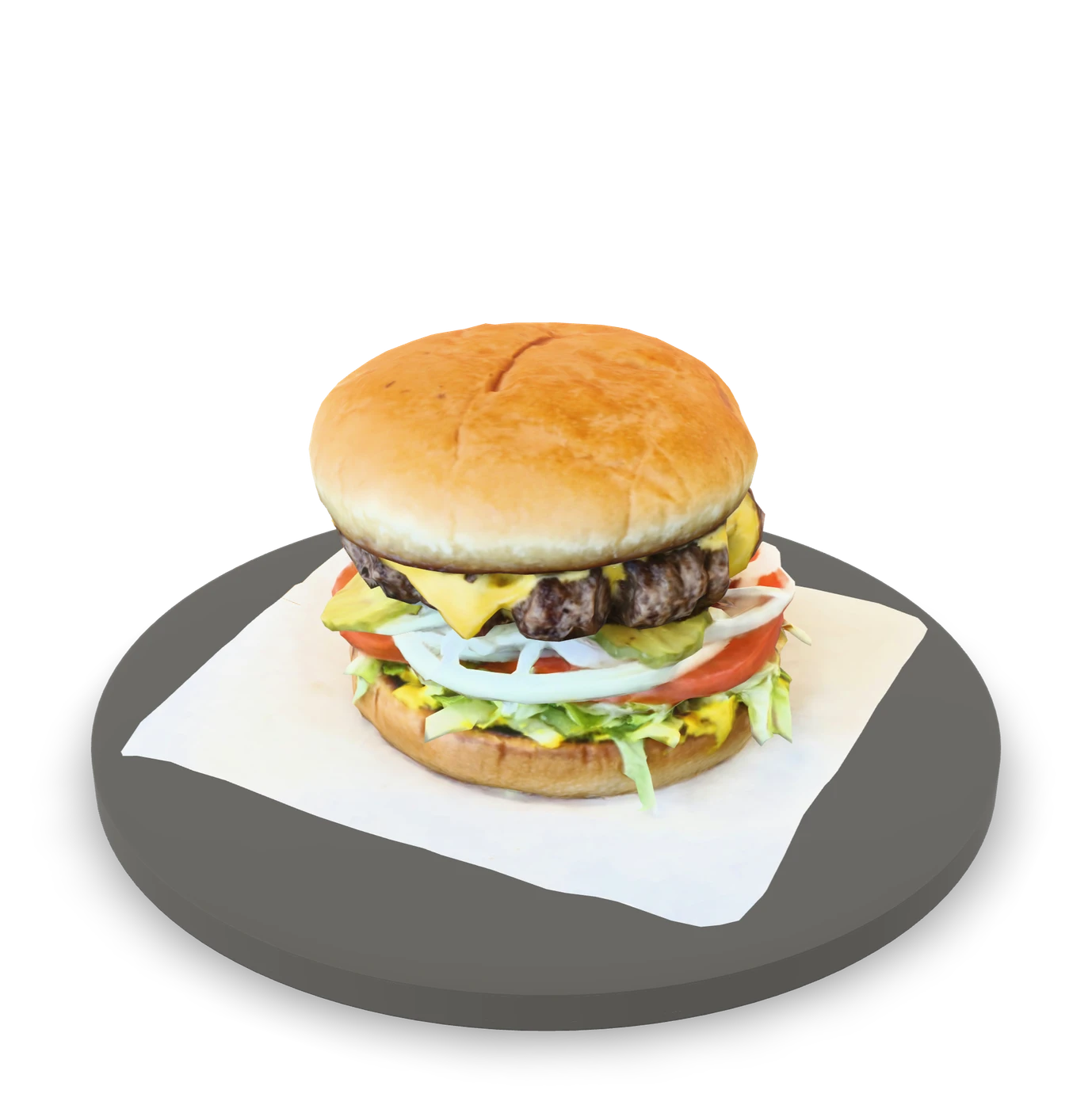
Drag to turn it. This is how dishes look on your menu.
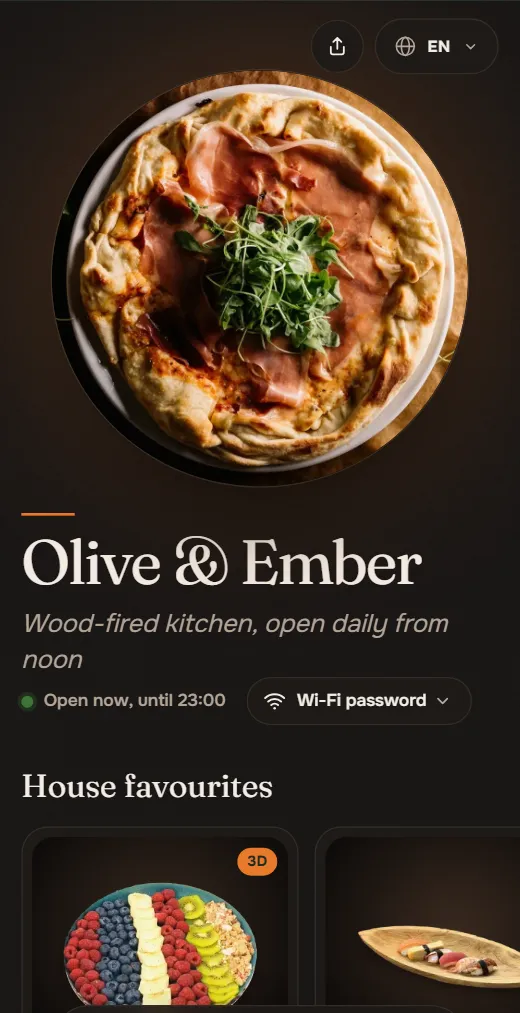
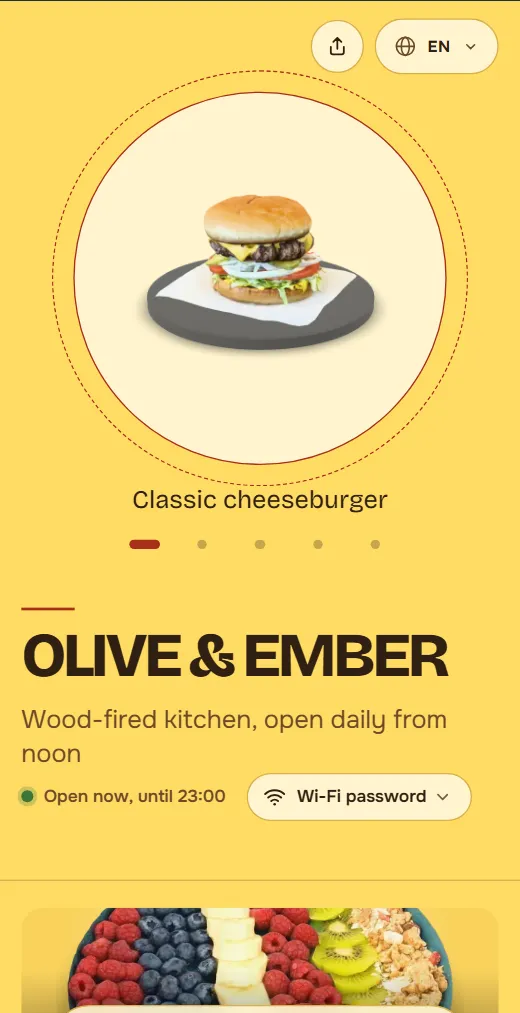
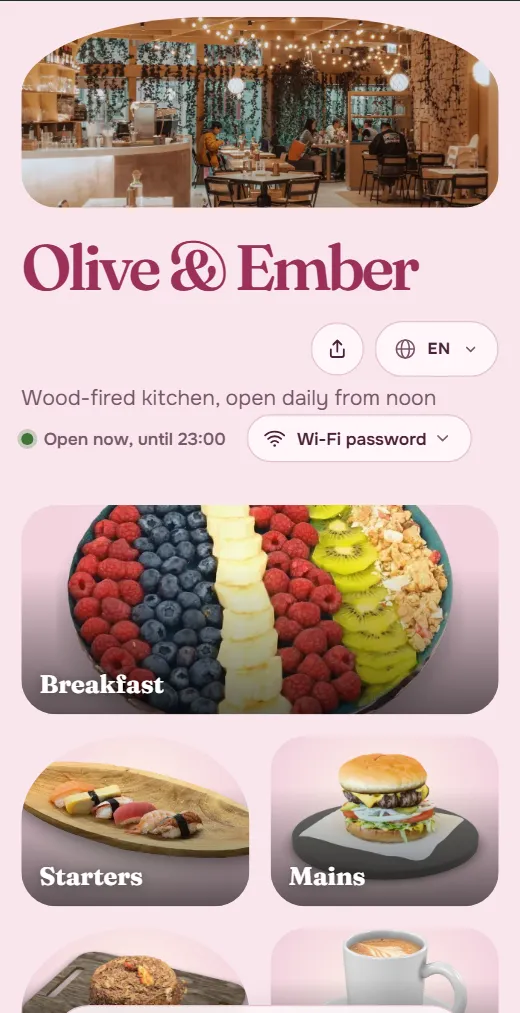
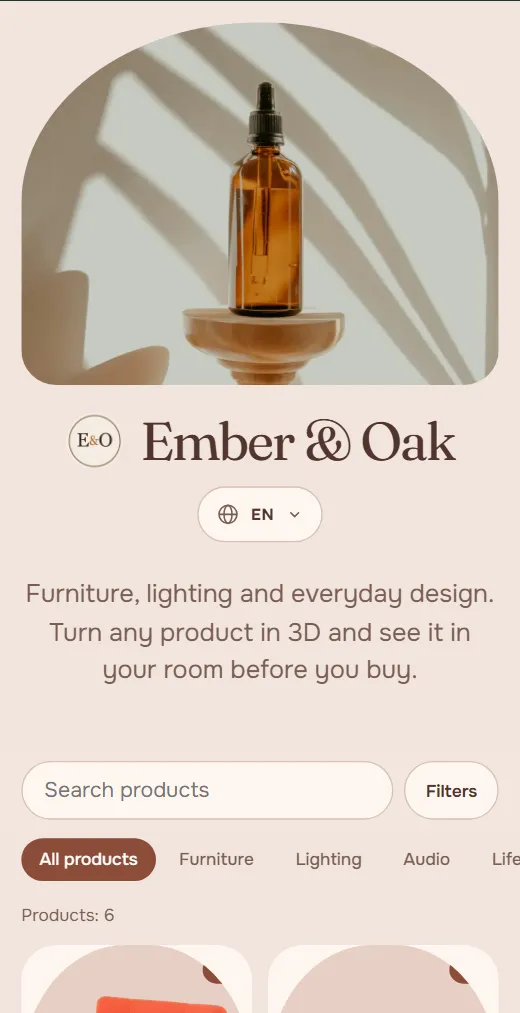
Start from a look, then make it yours
Each template sets the colours, type and layout. Change any of them, add your photos, and check it on a phone before guests see it.
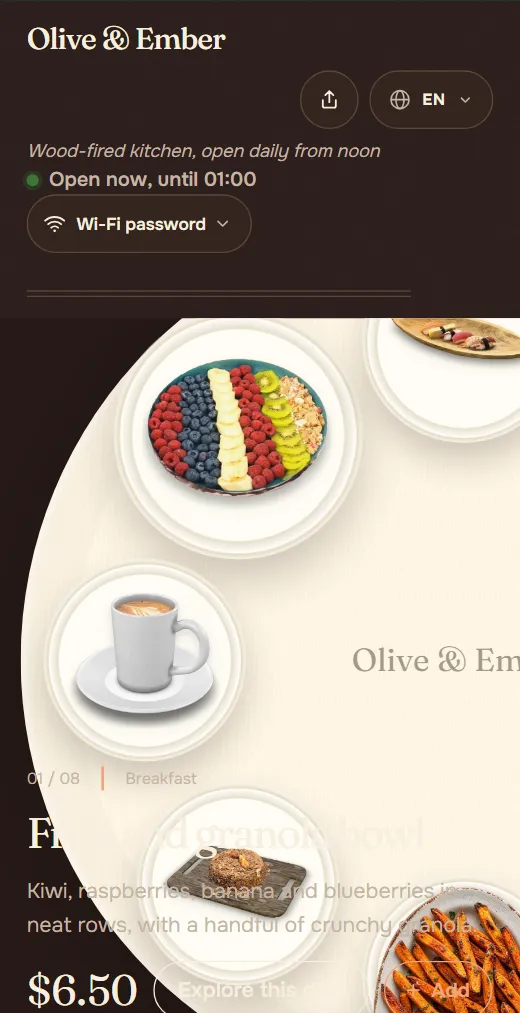
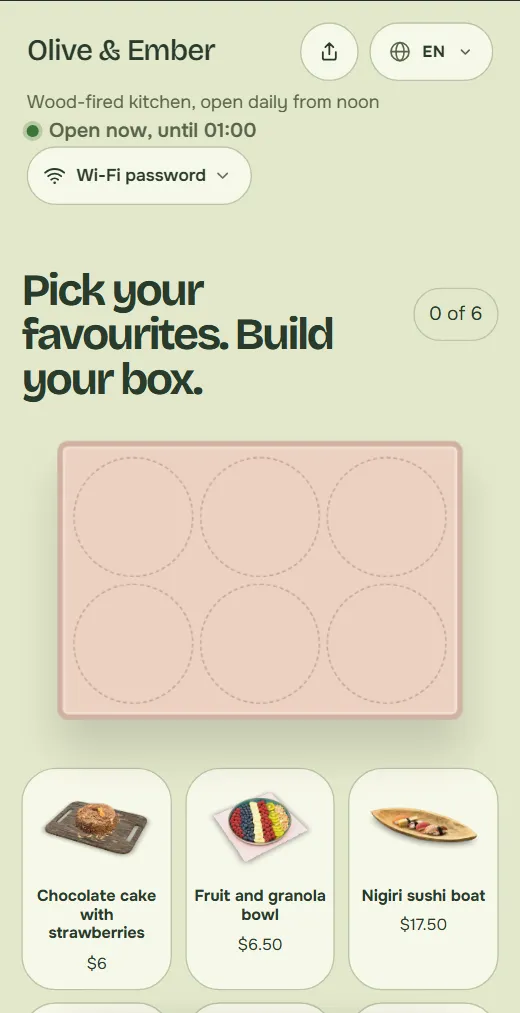
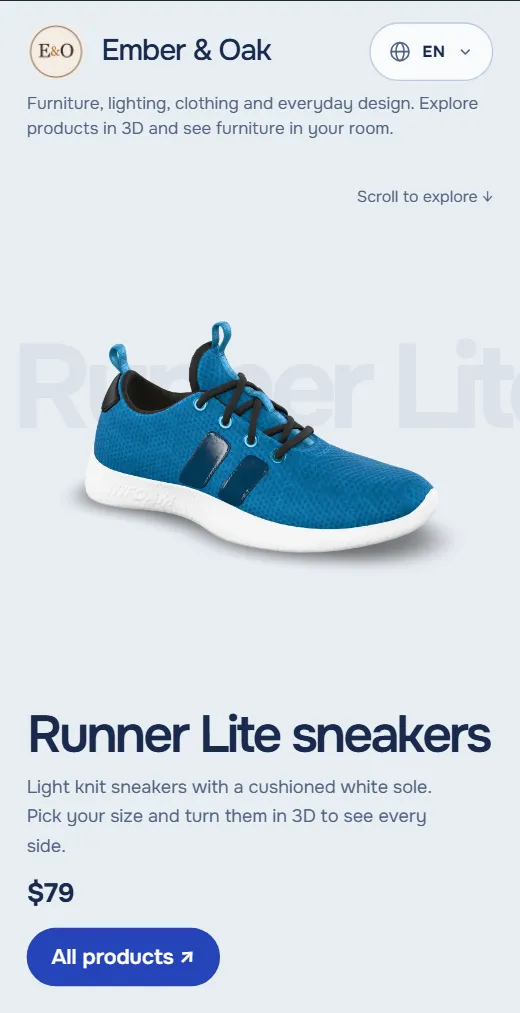
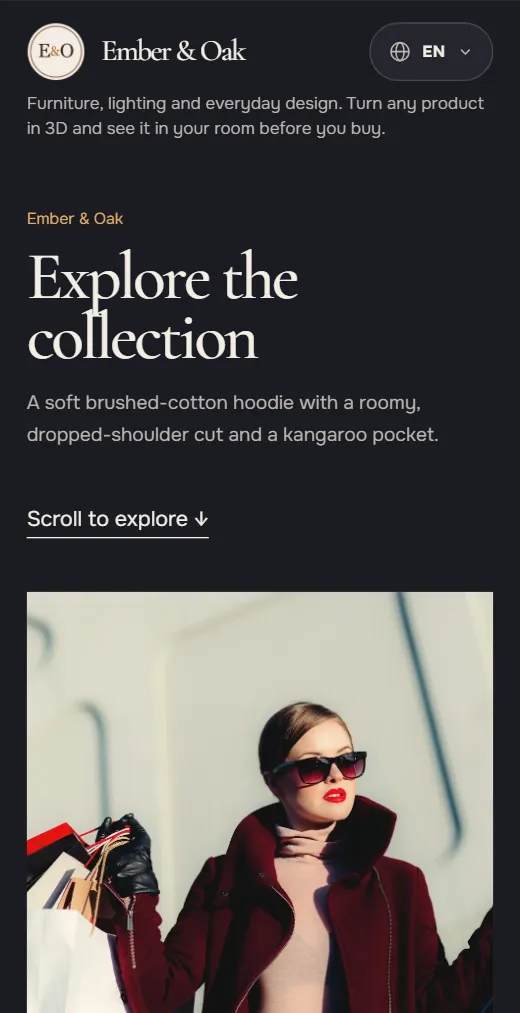
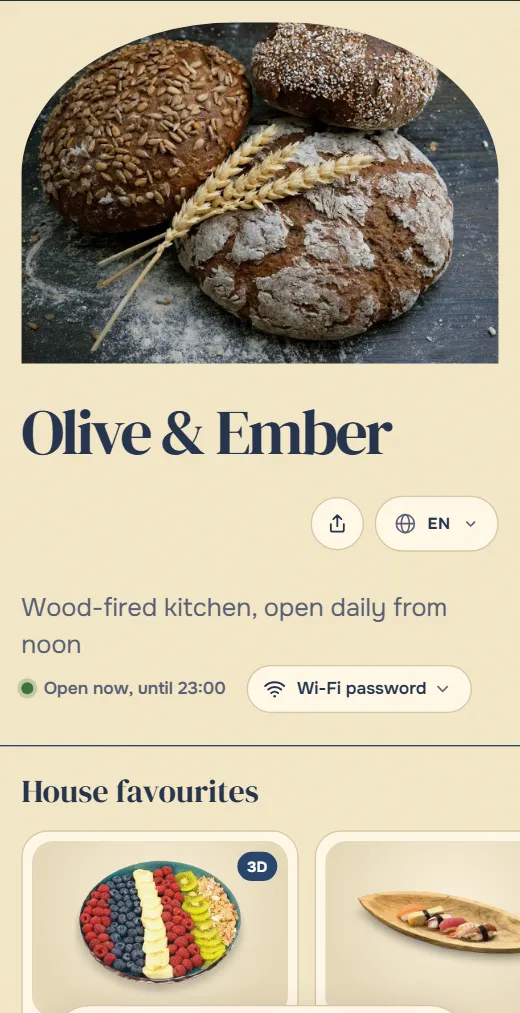
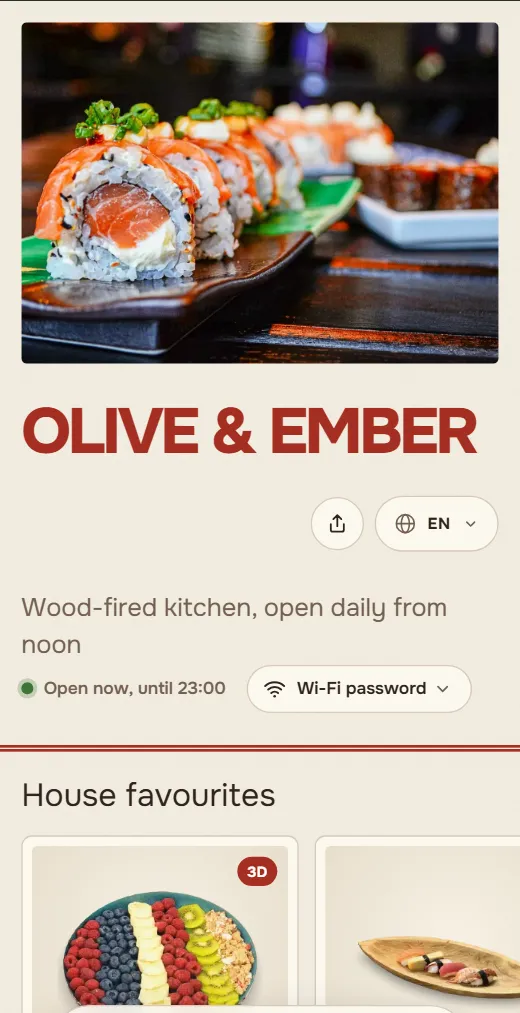
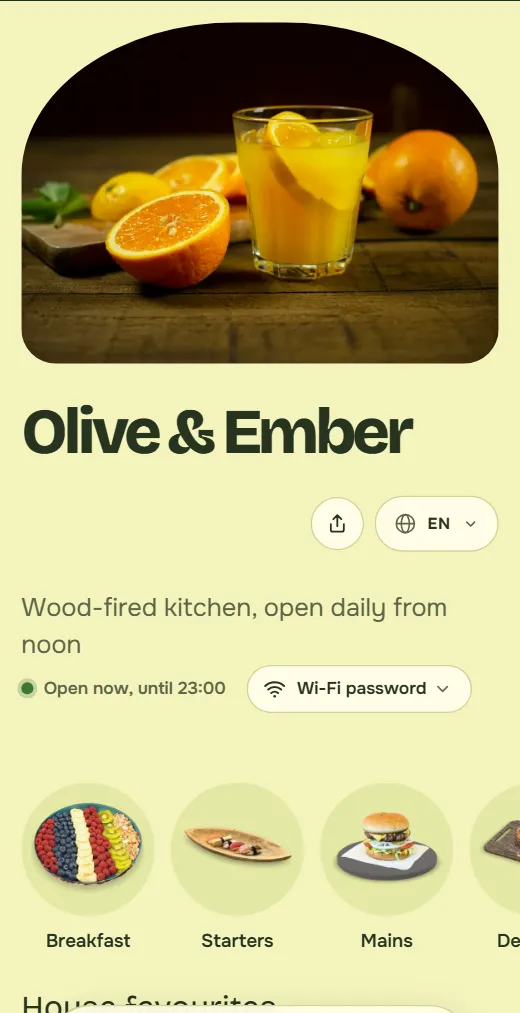
11 previews on this page. Explore all 15 templates.
For restaurants, cafés and bars
A QR menu with photos, prices, portions, allergens and 40 languages. Dishes can turn in 3D and sit on the guest’s table at real size.
For shops
A product catalog with sizes and colours, search and filters. Customers send you an enquiry or follow your own checkout link. Products can have 3D previews too.
How it works
- Sign up and choose: restaurant or shop.
- Add your dishes or products with photos. For 3D, press one button: Seghan turns the photo into a 3D model for you. No scanning app, no 3D skills.
- Publish and share the QR code or link. Customers see changes when you choose.
3D without the technical part
Many owners expect 3D to need a scanner, special software or a designer. Here it doesn’t: take an ordinary photo, press one button, and Seghan makes the 3D model for you, ready for guests to turn and see on their table. It runs on the AI credits included in Starter and Pro.
Start free, pay per location
Free for up to 10 items. Restaurant and shop plans from $9.99 a month, with a discount from 2 locations.
Restaurants
Accept table or takeaway orders, and follow their status in your dashboard. You choose which ordering options to enable.
Seghan shows your menu or catalog. Payments and delivery stay with you, and booking requests come to you to accept or decline.
Shops
Customers send their list with a phone number or email. You answer them directly; nothing is reserved or paid through Seghan.
Already sell online? Add a link to each product and customers go straight to your website to buy.
Seghan shows your menu or catalog. Payments and delivery stay with you, and booking requests come to you to accept or decline.
We’ll help set it up
Send photos or a PDF of your menu. Our team will contact you to confirm the setup details before anything is published.